Letter interiors
Check enclosed areas inside letters so they remain transparent or filled according to the original design.
Logo transparency workflow
Remove the background from a logo you own or are authorized to edit, then download a transparent PNG for flexible placement.
ここに画像をドロップ
またはクリックして端末から選択
Real workflow result
This original geometric mark was processed as a raster logo. The checkerboard makes its transparent surrounding area visible.

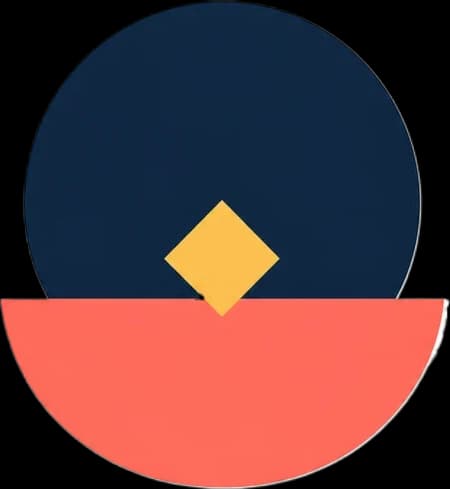
Transparent output prevents a white or colored box from appearing around the logo. Start with the highest-resolution source available and inspect small letterforms and thin marks after processing. Open the general background remover for a broader editing task.
Practical workflow
Use the cleanest JPG, PNG, JPEG, or WebP source available, with the full mark visible.
The transparent option removes the surrounding background while preserving an alpha channel.
Inspect thin text, interior counters, outlines, and pale brand elements before downloading.
What to expect
Check enclosed areas inside letters so they remain transparent or filled according to the original design.
Small taglines and fine outlines are harder to separate from low-resolution or compressed backgrounds.
Save as PNG so the logo can sit over different colors without a rectangular background.
Place the owned logo on light, dark, or photographic navigation backgrounds.
Use the mark without a white box interrupting the page or slide background.
Reuse the transparent logo across social graphics, ads, mockups, and campaign assets.
This tool creates a raster PNG cutout. It does not convert a low-resolution logo into editable vector artwork or restore missing design detail.
Yes. Upload the logo and keep transparent PNG selected. Clear contrast between the logo and white background produces the most reliable edges.
Yes, when you download PNG. Converting the result to JPG will replace transparency with a solid color.
No. The result is a raster image with transparency. It does not recreate the logo as editable vector paths.