

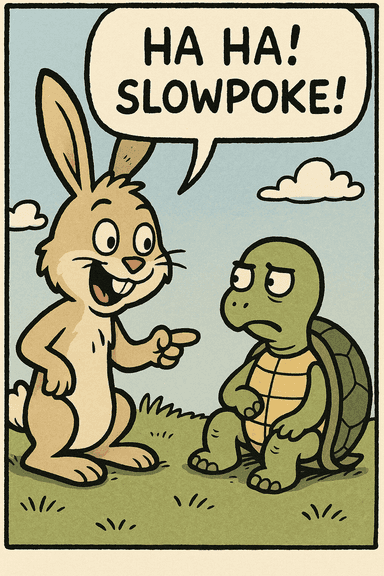
Supprimer le texte d'une image
Importez votre image, masquez les mots à effacer et laissez l'IA reconstruire naturellement la zone sélectionnée.
What Problems Does AI Text Remover Solve?
Remove Text for a Clean Background
Delete text overlays to get a pristine background plate.
Remove unwanted text overlays and watermarks to create clean, professional background images for your projects. Perfect for templates, removing distracting elements, or preparing images for professional use.
Try this feature →Remove Information for Privacy
Redact sensitive data before sharing images.
Protect sensitive information by removing personal data, addresses, phone numbers, and other private details from images. Ensure privacy and compliance with data protection regulations.
Try this feature →Remove Text for Re-editing
Clear old content to refill with fresh copy.
Clear existing text content to make space for new information. Perfect for creating templates or updating content.
Try this feature →Common Use Cases for Text Remover
See the AI in action across a variety of real-world scenarios.
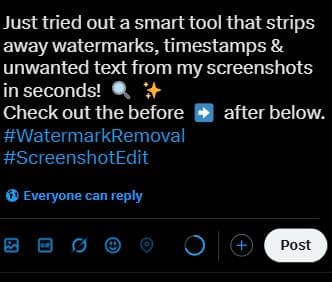
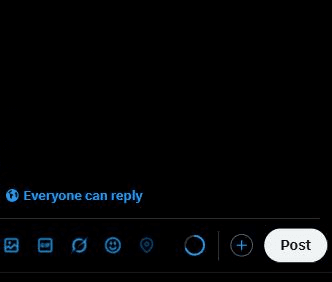
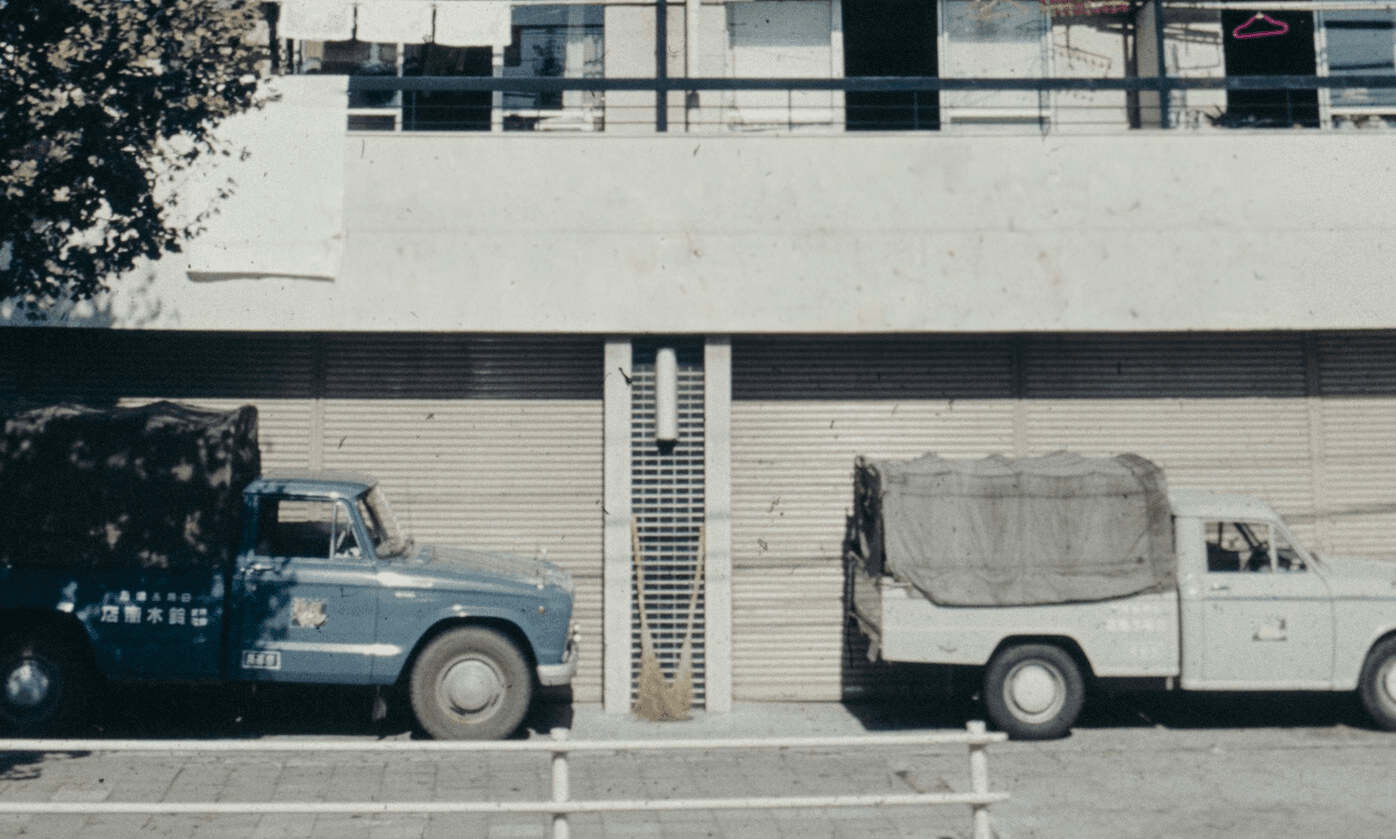
Remove watermarks, timestamps, or unwanted text overlays from social media images using our text remover tool.
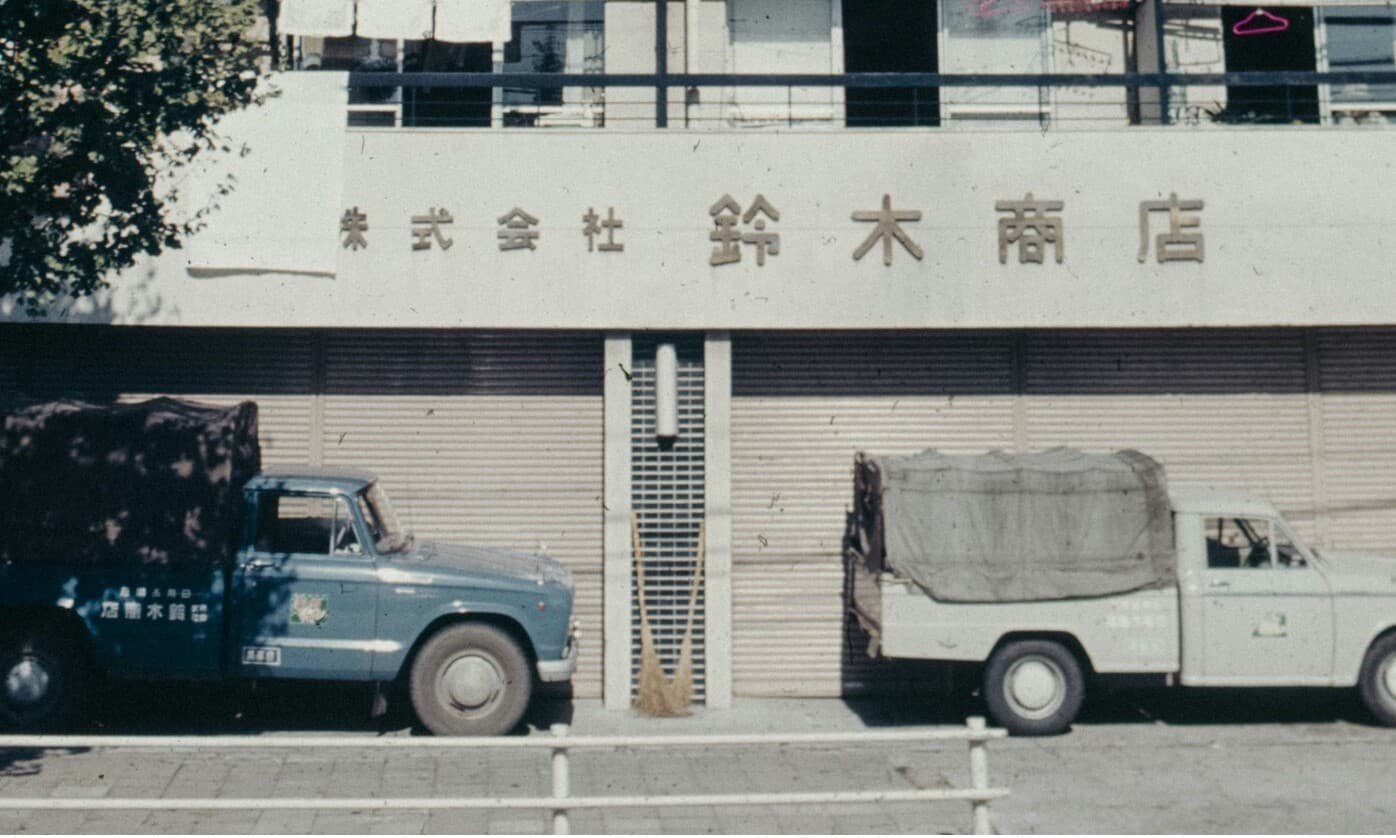
Clean up images by removing price tags, labels, or promotional text with precision using the text remover.
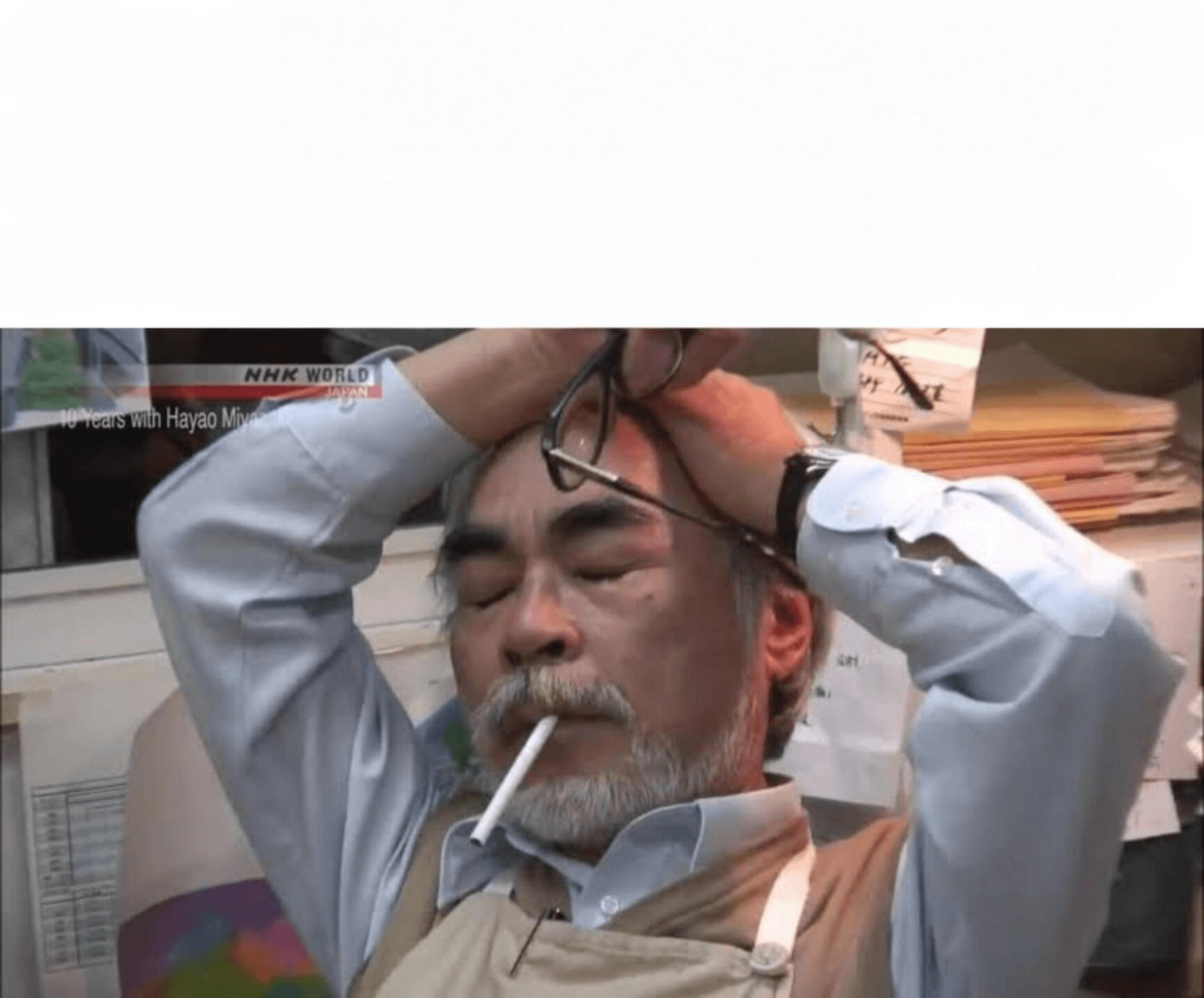
Start with a clean slate by removing existing meme text and adding your own creative content effortlessly.

Engineered for Results
Powerful features designed to make image text removal simple and professional.
AI-Powered Accuracy
Advanced machine learning ensures precise text removal without damaging the background.
Multiple Format Support
Accepts the PNG, JPG, JPEG and WebP formats shown in the uploader.
Precise Selection
Brush over the exact text or overlay you want the tool to reconstruct.
Quality Preservation
Keeps the rest of the image unchanged while reconstructing the selected area.
Intuitive Interface
User-friendly design makes text removal accessible to everyone with no expertise required.
Privacy Focused
Task access is protected, and our Privacy Policy explains how uploaded images are handled.
Four Steps to a Clean Image
Upload an image, mark the visible text, process the selection, and review the result.
Upload Your Image
Drag and drop or click to upload. We support PNG, JPG, JPEG, WebP up to 10 MB.
Mark Text Areas
Use the intuitive brush tool to paint over the text you want removed. Precise or rough, the AI handles the rest.
AI Processing
Our AI inpaints the selected region with content that matches the surrounding background.
Download Result
Review the processed image when the task completes, then download the result if it meets your needs.
Free
For occasional cleanups when time is on your side.
- Up to 5 edits each hour
- Up to 10 edits each day
- Standard processing
- Results are automatically deleted
Priority
For edits you need to finish now.
- Up to 2× faster processing
- Priority processing during busy periods
- More reliable completion
- 300 credits valid for 30 days
- High-resolution exports
Priority Pro
For high-volume work that cannot wait.
- Up to 2× faster processing
- Priority processing during busy periods
- More reliable completion
- 1200 credits valid for 30 days
- Built for high-volume work
Frequently Asked Questions
Everything you need to know about our AI text removal technology.