Visible selection
Manual marking keeps the requested change explicit when the image contains other text or branding.
Authorized image cleanup
Use this watermark remover on images you own or have permission to modify, then review the reconstructed area before downloading.
Drop your image here
or click to browse from your device
Real workflow result
We added the words “SAMPLE PREVIEW” to an original coastal image, selected the full overlay, and processed it with the same watermark-removal workflow.
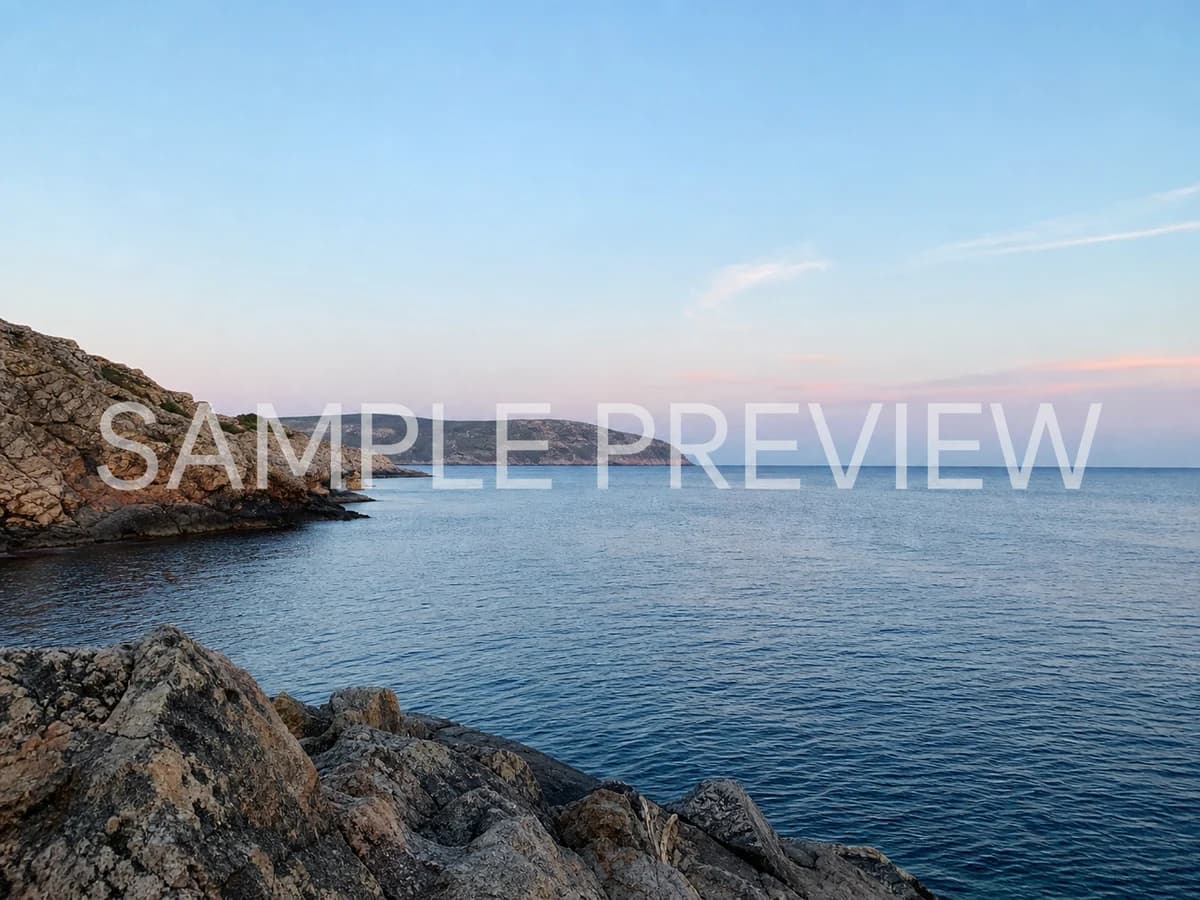
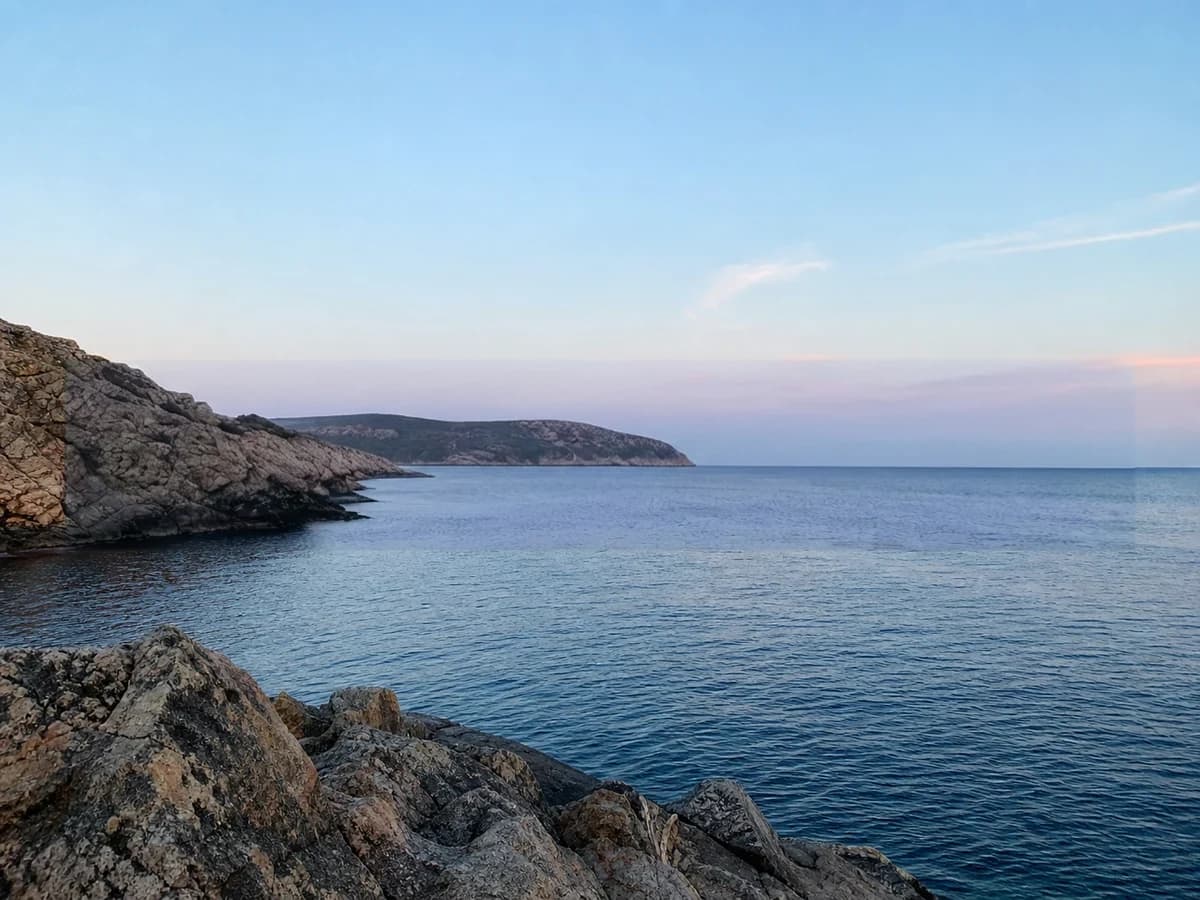
The brush gives you control over which visible watermark, logo, or ownership mark is selected. The tool predicts replacement pixels from the surrounding image rather than recovering hidden original content. Open the general text remover for a broader editing task.
Practical workflow
Use your own asset or material for which you have explicit editing permission.
Brush over the complete letters, logo shape, outline, and shadow with a narrow margin.
Check textures and important object edges closely before downloading or making another pass.
What to expect
Manual marking keeps the requested change explicit when the image contains other text or branding.
The selected area is rebuilt from context. It is not a recovery of the exact pixels hidden by the watermark.
This page processes JPG, PNG, JPEG, and WebP images, not complete video files or platform downloads.
Remove an obsolete brand mark from a source design your organization owns.
Edit an image when the license or rights holder explicitly permits watermark removal.
Clear a watermark you previously added to your own photo or illustration.
Do not use this tool to bypass copyright, licensing, attribution, access controls, or platform rules. Complex or tiled watermarks may not reconstruct cleanly.
Use the tool only when you own the image or have permission to remove the watermark. Finding an image online does not grant editing or reuse rights.
No. The hidden pixels are unavailable, so the model creates a plausible fill based on the surrounding colors, shapes, and textures.
No. This workflow accepts still images only and does not upload or process complete video files.