Selection-driven removal
You control exactly which mark is removed. The tool changes only the area you brush, which keeps other branding untouched.
Authorized logo cleanup
Mark the logo you want gone from a photo you own or are authorized to edit, let AI rebuild the covered area, and review the result before downloading.
Drop your image here
or click to browse from your device
Real workflow result
We added a fictional “KAVRA COFFEE” badge to an original architecture photo, marked the complete badge, and processed it with the same removal workflow.
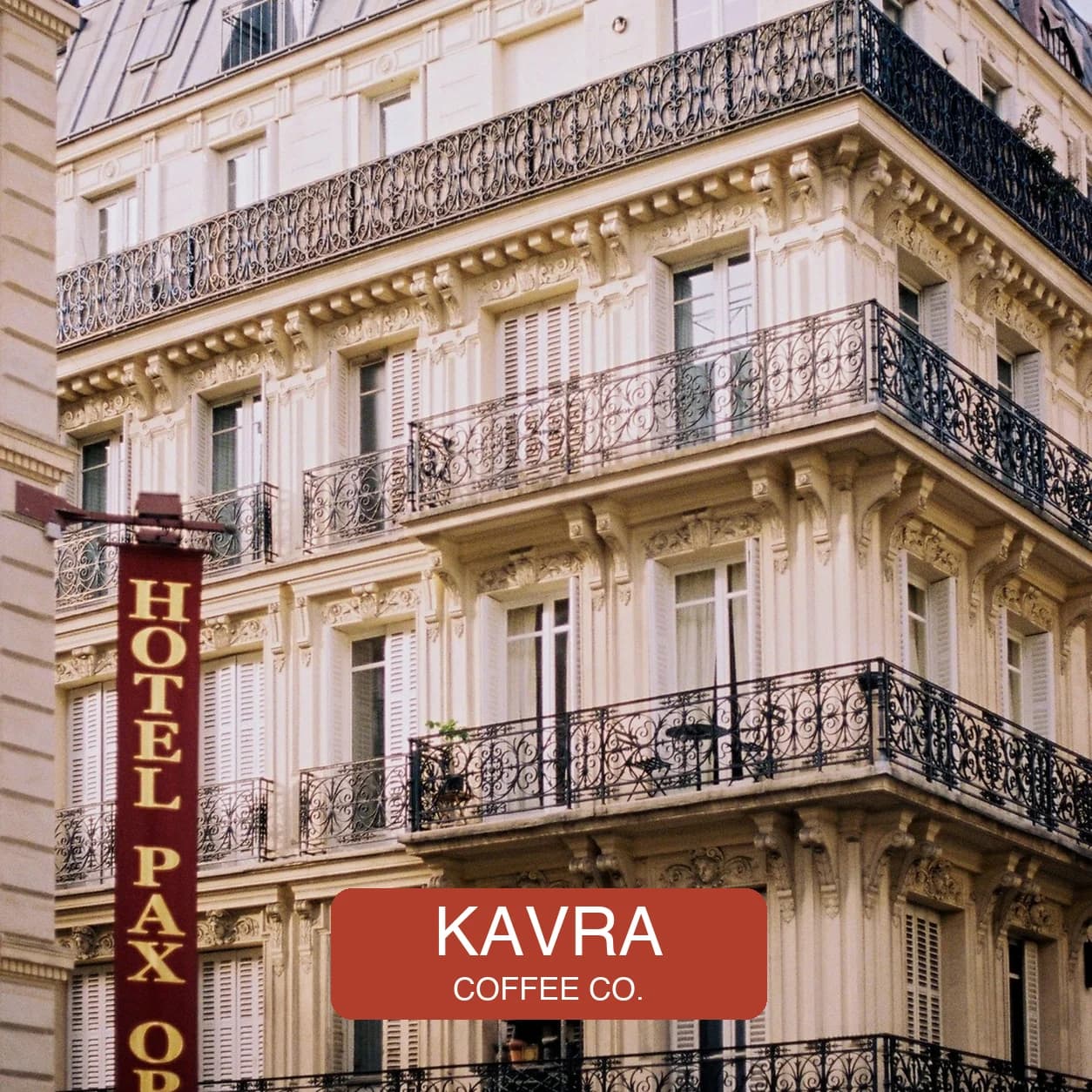
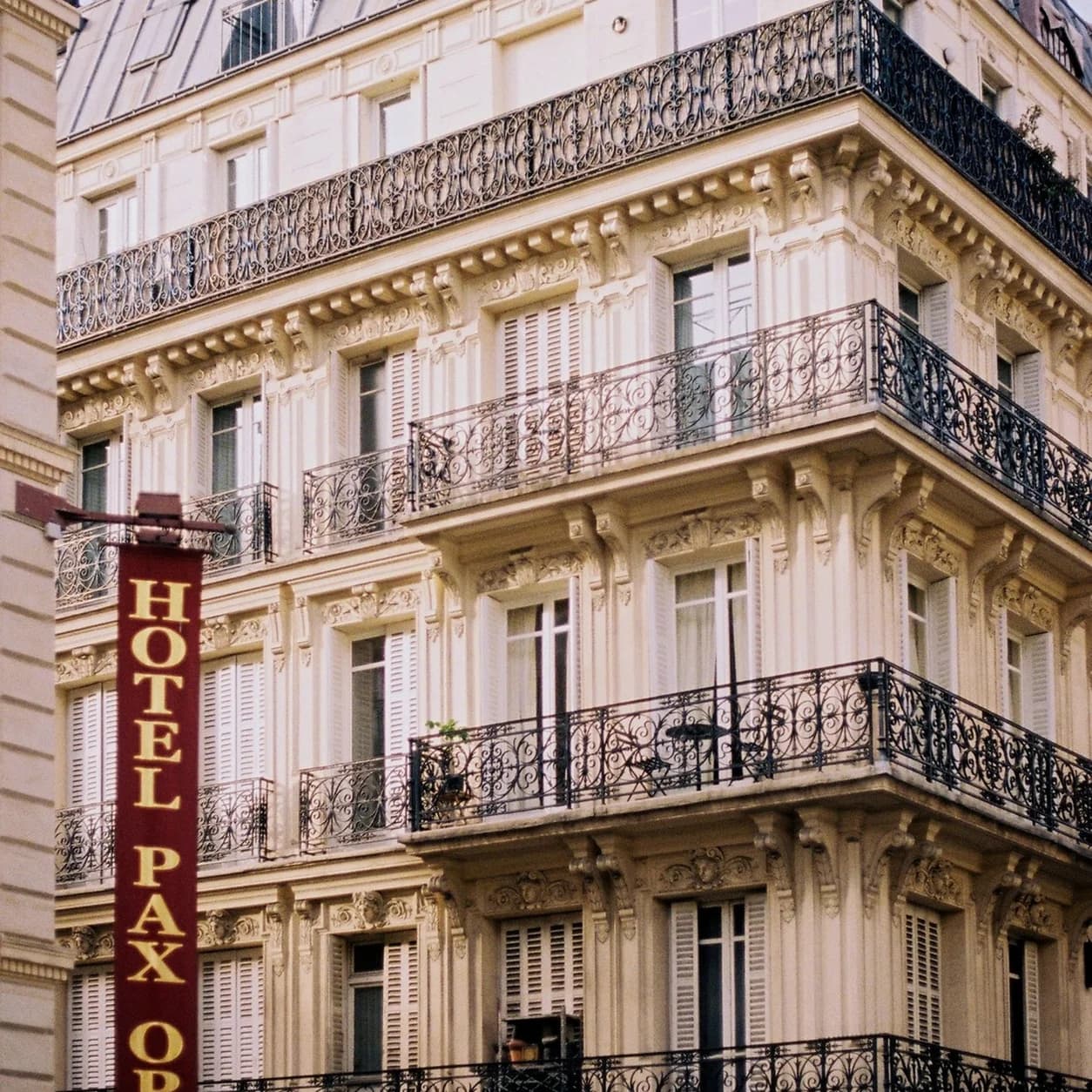
A precise selection keeps the rebuild local: brush the complete logo shape, its outline, and any shadow or glow, then check how the covered area was reconstructed. Open the general object remover for a broader editing task.
Practical workflow
Work on photos you took yourself or material your license explicitly allows you to modify.
Cover the full logo, its outline, and any glow or drop shadow with a small margin so the rebuild blends into the background.
Logos often sit on detailed surfaces. Zoom in on the rebuilt area and run a second narrow pass if an edge looks off.
What to expect
You control exactly which mark is removed. The tool changes only the area you brush, which keeps other branding untouched.
The covered area is recreated from surrounding colors and textures. It is a plausible rebuild, not a recovery of hidden original pixels.
This page handles JPG, PNG, JPEG, and WebP images. It does not process video frames or full video files.
Remove an outdated brand badge from source photos your organization owns.
Edit a photo when the rights holder or license explicitly permits logo removal.
Clear a placeholder logo from a mockup you created before presenting a new version.
Do not use this tool to remove logos from photos you do not have rights to edit, to misrepresent brand ownership, or to bypass licensing and platform rules. Logos across complex textures may not reconstruct cleanly.
No. Only edit photos you own or are authorized to modify. Finding an image online does not grant editing or reuse rights.
Simple backgrounds rebuild very cleanly. Logos over detailed textures, faces, or hard edges deserve a close review and sometimes a second narrow pass.
Yes, the same brush-and-rebuild workflow covers text watermarks. See the dedicated watermark remover page for that task.